
The complete picture.
A deeper record for recipients you trust with ongoing care details.


Preparing your Medical ID experience
One secure Medical ID. Clear, trusted access in an emergency.

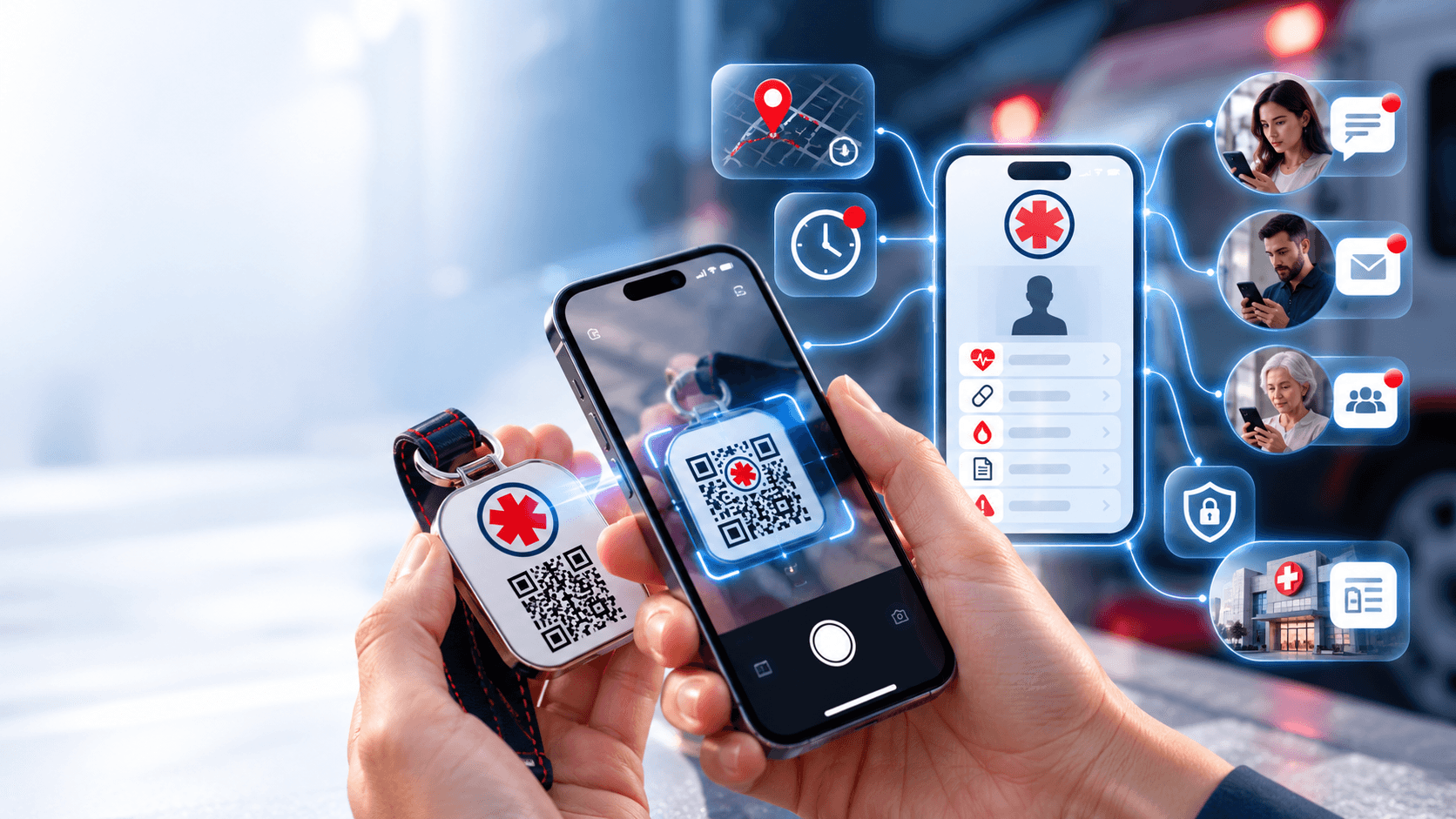
A calm, clear chain of action—designed to make critical information available without creating friction for the person helping you.

Add the details that could help someone respond with confidence.
Choose family, friends, or caregivers—and set access for each.
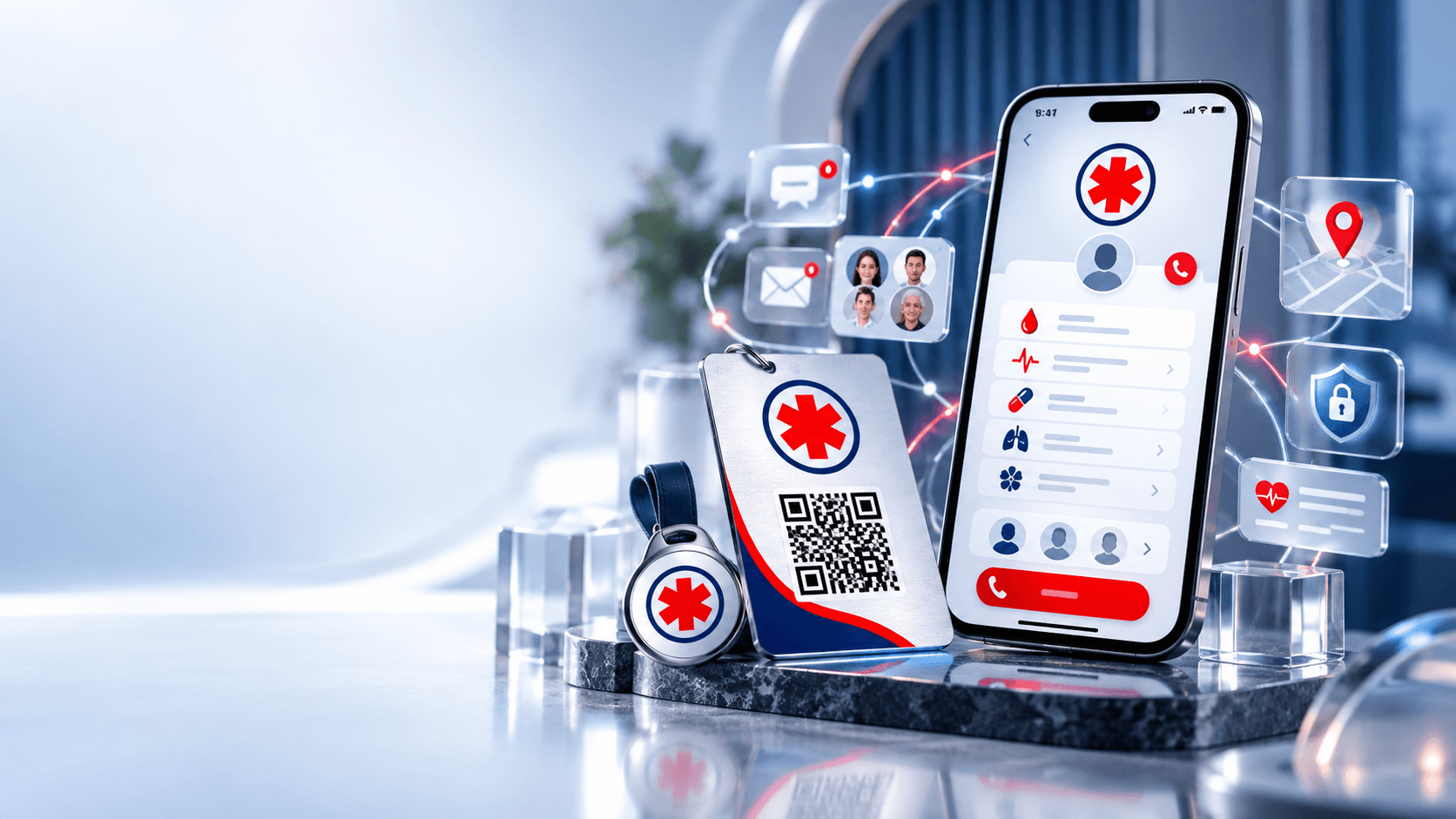
Use it on a card, wearable, keychain, or existing medical tag.
Any modern phone camera opens your emergency page instantly.
Configured contacts receive SMS and email notifications.
The right information appears based on your privacy choices.
Every step is purposeful. The system records the event, requests optional location access, and continues even when location permission is denied.
Keep a complete record for the people closest to you and a focused emergency view for everyone else.
A deeper record for recipients you trust with ongoing care details.
A focused view of immediate, practical emergency information.
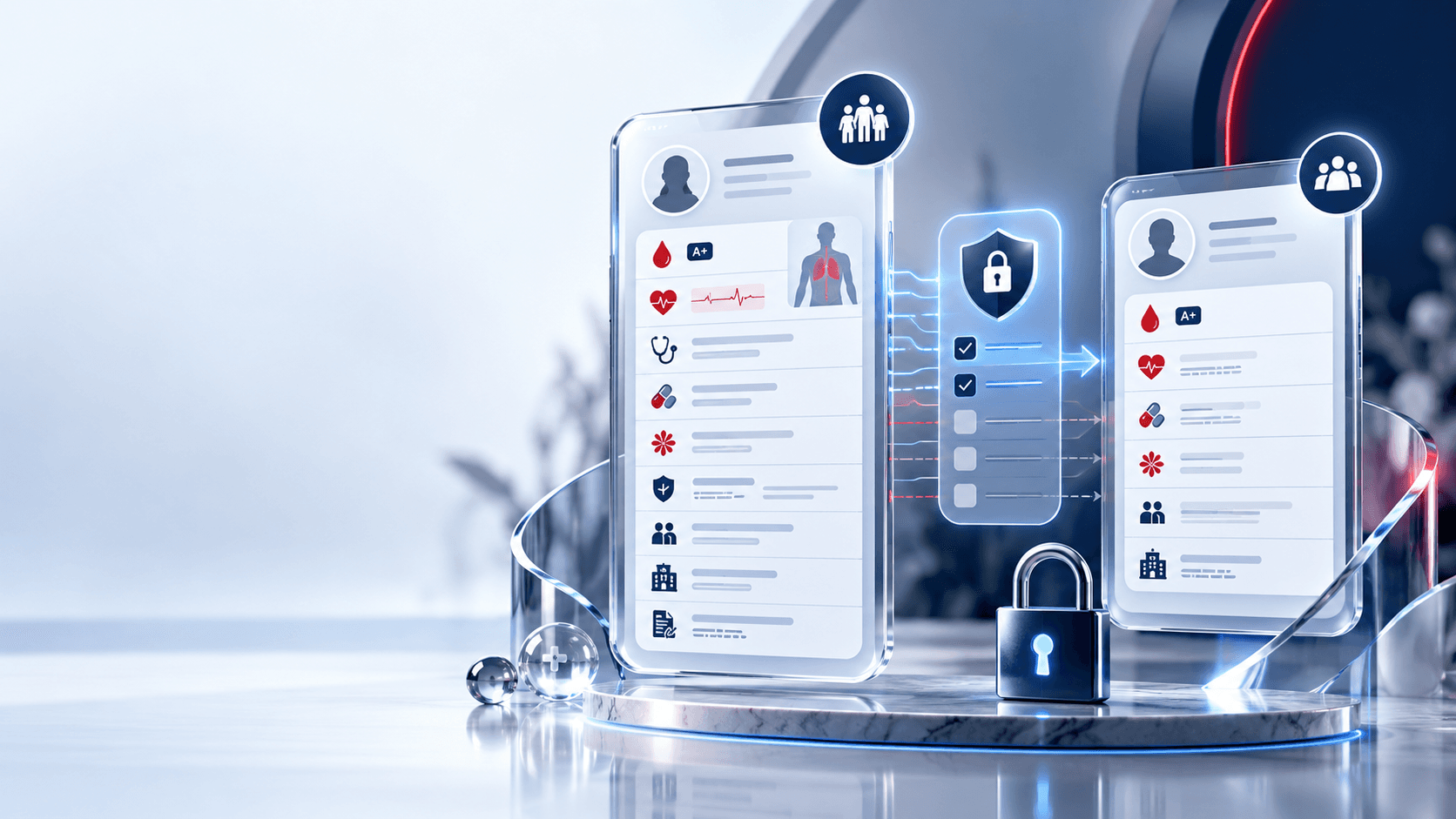
Your comprehensive record stays private by default. Turn on Limited Share only for the individual details you choose to include in your emergency profile.
Limited Share controls start off. Nothing moves into the limited profile until you approve it.

Every contact can receive a different combination of notifications and profile access. Your inner circle never has to share one blanket permission.
Keep your Medical Alert ID close in the form that works for your routine—from a wallet to a run, commute, or set of keys.
A focused set of tools for building, sharing, carrying, and maintaining your Medical ID.
One durable link to your current emergency view.
Comprehensive depth and a focused limited view.
Approve fields individually. Private by default.
Different access for every person you trust.
Fast, scannable notification context.
A durable record with helpful detail.
Precise location only when permission is granted.
Take your information with you.
Protected routes and controlled sharing.
Installable, responsive, and built for the home screen.
Medical Alert is built as a Progressive Web App: open it in a browser, install it to your home screen, and return to an app-like experience without an App Store download.
Installation availability depends on your browser and device.
Medical AlertYour health profile, securely within reach.
A calm dashboard brings your Medical ID, trusted contacts, QR assets, permissions, and exports into one place.
Medical Alert is designed around control, understandable permissions, and secure access—without making unsupported promises.
Account access is protected behind secure sign-in flows.
Every trusted contact can have a different permission level.
Limited Share starts off and only includes what you approve.
Your physical QR points to a managed, updateable profile route.
Sensitive medical details are treated as private information.
Clear controls make visibility understandable at a glance.
The important details about scanning, privacy, access, and everyday management.
The scanner is taken to your emergency page. The scan time is recorded, optional location is requested, configured alerts are sent, and the approved medical view becomes available.
No. A modern phone camera and browser are enough to scan the QR and open the emergency page.
Access is based on the permissions you set. Trusted recipients can receive either your Comprehensive Profile, Limited Profile, or no medical profile access.
The Comprehensive Profile can hold detailed care, insurance, legal, and medical history. The Limited Profile focuses on immediately useful emergency information.
Yes. Each contact can have their own SMS, email, and profile-access permissions.
The emergency flow continues. Contacts can still be alerted and approved medical information can still be viewed; precise scan location simply will not be included.
Yes. The dashboard is designed so your details, contacts, permissions, and shared fields can be kept current over time.
The Export Center provides PDF and CSV options for portability and personal records.
Create your Medical ID, configure trusted contacts, and keep critical information accessible when it is needed.
No scanner app required · Privacy controlled · Installable PWA